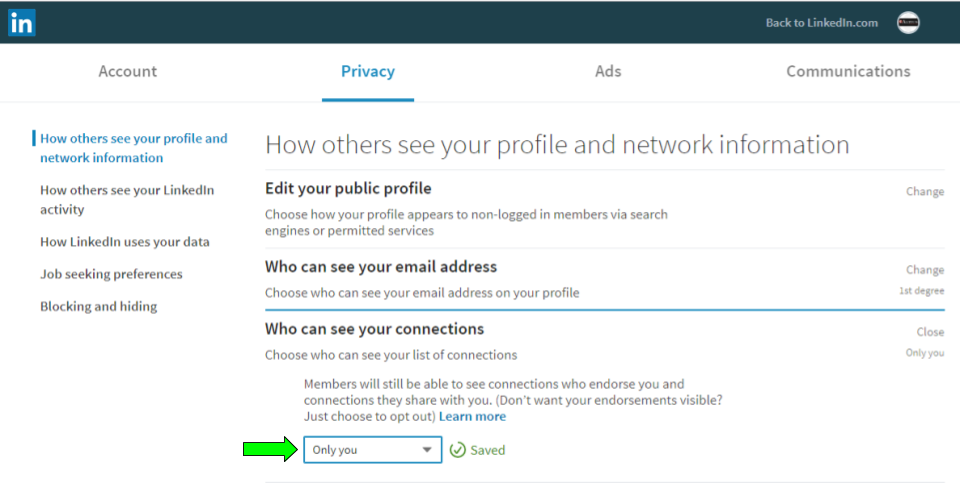
How to Hide Your Connections on LinkedIn
You’re working hard to build your LinkedIn network. Now it’s time to make sure others can’t use your connections list as a prospecting tool. By hiding your connections on LinkedIn, you can easily prevent others from using your connections to prospect for themselves. Here’s how:
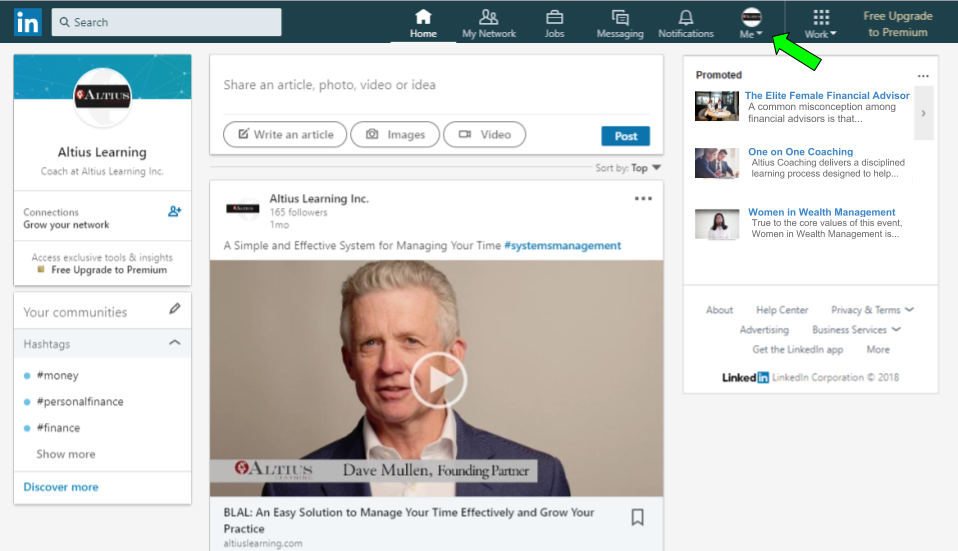
Step 1:
Click the “Me” drop down menu under your profile picture
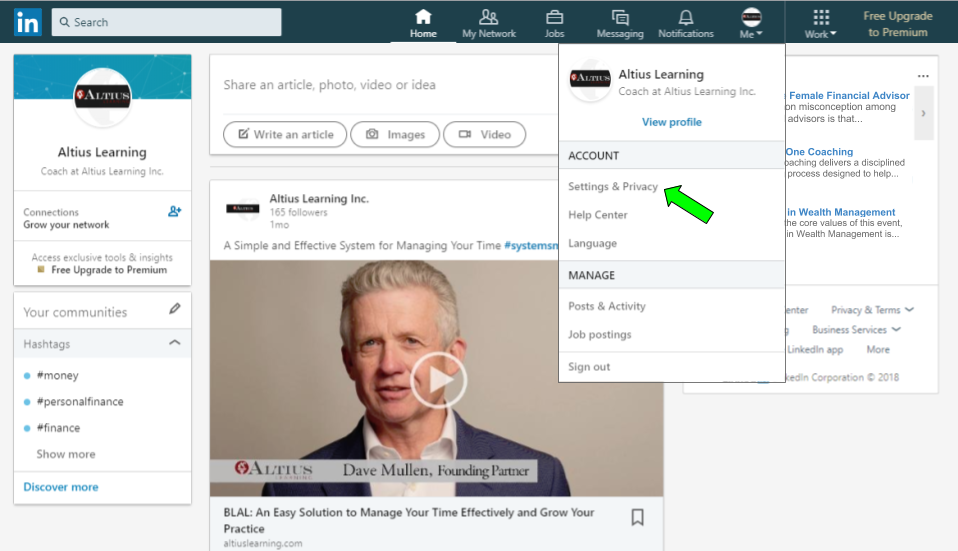
Step 2:
Select “Settings & Privacy”
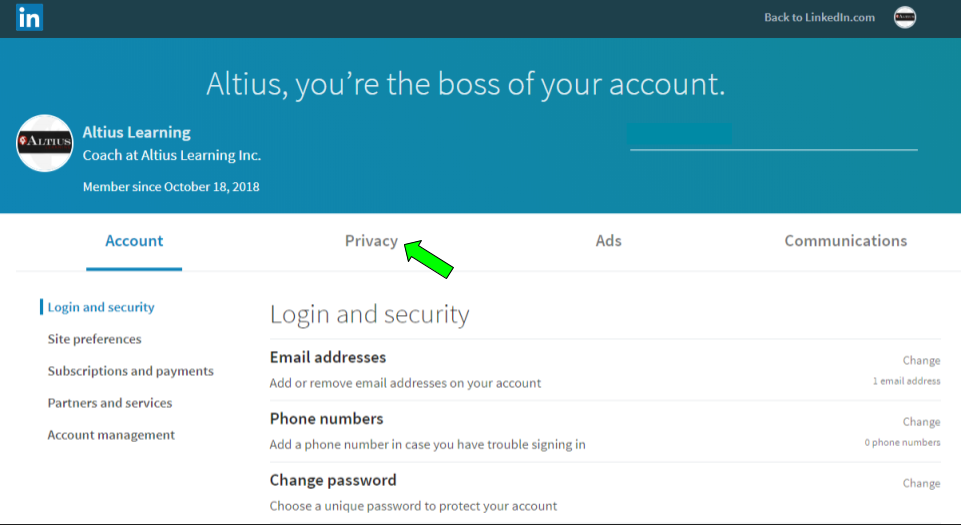
Step 3:
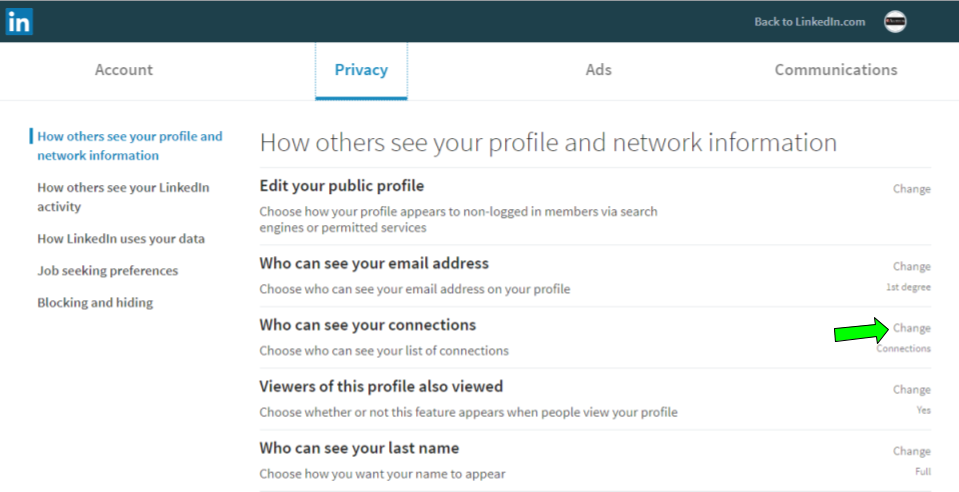
Select “Privacy”
Step 4:
Click “Change” next to the “Who can see your connections” section
Step 5:
Use the drop down box to change from “Your connections” to “Only you”